Erich Krug
3D Product Visualization & Technical Illustration
Clear, accurate product visualization built on real-world manufacturing experience.
About
With over 10 years of experience in 3D product visualization, CAD, and technical illustration, I specialize in transforming complex designs into technically accurate, photorealistic visuals that clearly communicate form, function, and intent across industrial, manufacturing, and consumer products.
With a background in manufacturing and fabrication, I approach every project with a clear understanding of what I’m rendering and how it should be presented. This allows me to make informed decisions around construction details, material realism, and visual clarity. The result is highly realistic visuals that stand up to scrutiny from engineers, marketers, and production teams alike.
My work has been used in product launches, trade publications, manuals, assembly guides, and manufacturing documentation—supporting product marketing while also clearly communicating complex information. It has been featured in publications including Mechanical Business, Lake of the Woods Cottage Guide, Wolseley Buyer’s Guide, and BCSSA InspirED.
Based in Surrey, BC, I’m open to full-time and remote opportunities across Canada.
Skills:3D Photorealistic Rendering · 3D Product Visualization · 3D Modeling · CAD · Technical Illustration · SolidWorks · Autodesk Fusion · KeyShot · SolidWorks Composer · Adobe Creative Suite · 3ds Max · Corona Renderer · V-Ray
Contact
Industrial
Complex multi-material assemblies rendered with engineering precision — from CAD data to production-ready imagery.
Consumer
Photorealistic product visualization exploring material accuracy across metals, wood, matte finishes, and reflective surfaces.
Technical Illustrations
Assembly guides and service documentation produced for manufacturing environments where illustration accuracy has real consequences.
Industrial Boiler — Interior Visualization
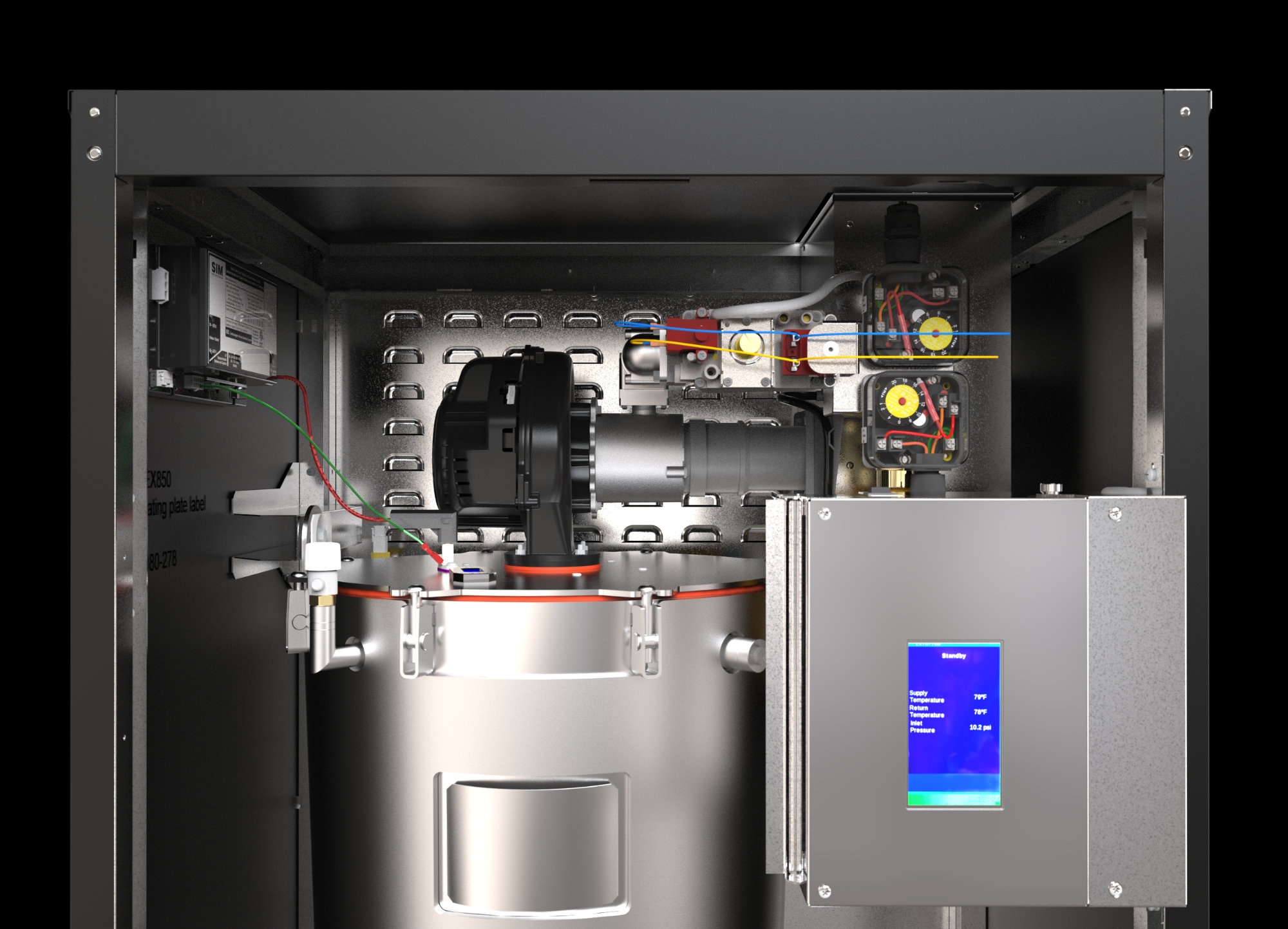
Interior visualization created for marketing assets, focused on clearly presenting complex internal structure while maintaining a clean, controlled visual hierarchy.
The internal geometry was dense and visually complex, making it difficult to present clearly without overwhelming the viewer. At the same time, the visualization needed to maintain material accuracy and a level of realism suitable for marketing use.
- Simplified internal composition to remove non-essential visual noise
- Controlled material contrast to separate components without over-stylizing
- Designed lighting to guide the viewer’s eye through the structure
- Balanced realism with clarity to ensure the image remained readable at a glance
Rather than presenting the full internal complexity, select elements were intentionally de-emphasized while critical components were brought forward. This improved readability without compromising the integrity of the design.
Produced a clean, readable internal visualization used in marketing assets, where clarity of complex components was essential without sacrificing realism. The final image balances detail and simplicity, allowing key structures to be understood at a glance while maintaining a high-quality, professional presentation.
Fountain Pen — Material & Lighting Study
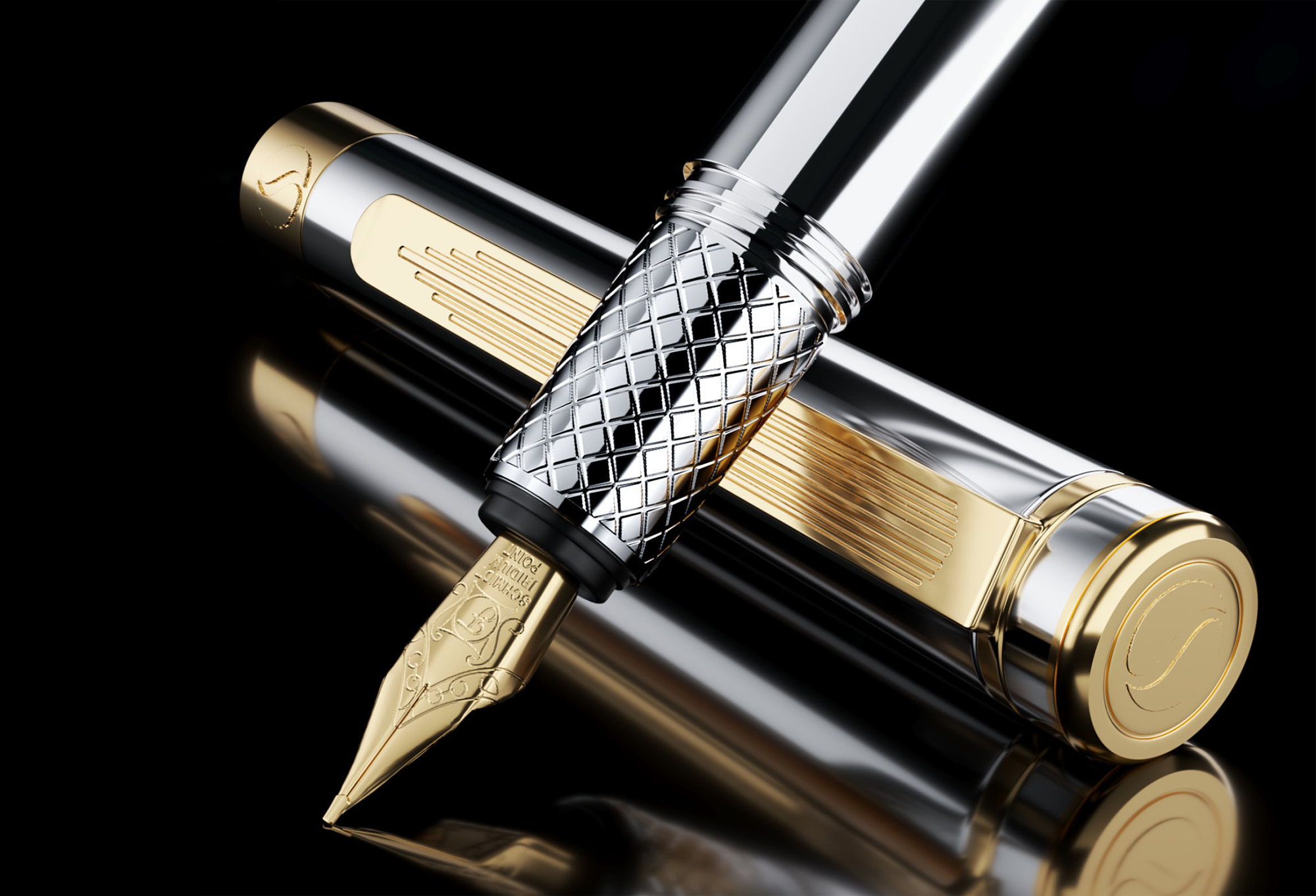
Product visualization focused on capturing material realism and subtle surface interactions through controlled lighting and rendering.
Achieving convincing material separation between polished metal, coated finishes, and fine surface details without over-reliance on reflections or contrast.
- Controlled lighting setup to define form without harsh highlights
- Careful material tuning to balance reflectivity and readability
- Subtle edge definition to preserve crispness across surfaces
Surface transitions were carefully managed to maintain realism while avoiding visual noise in highly reflective areas.
Manufacturing Instruction — Drill Process
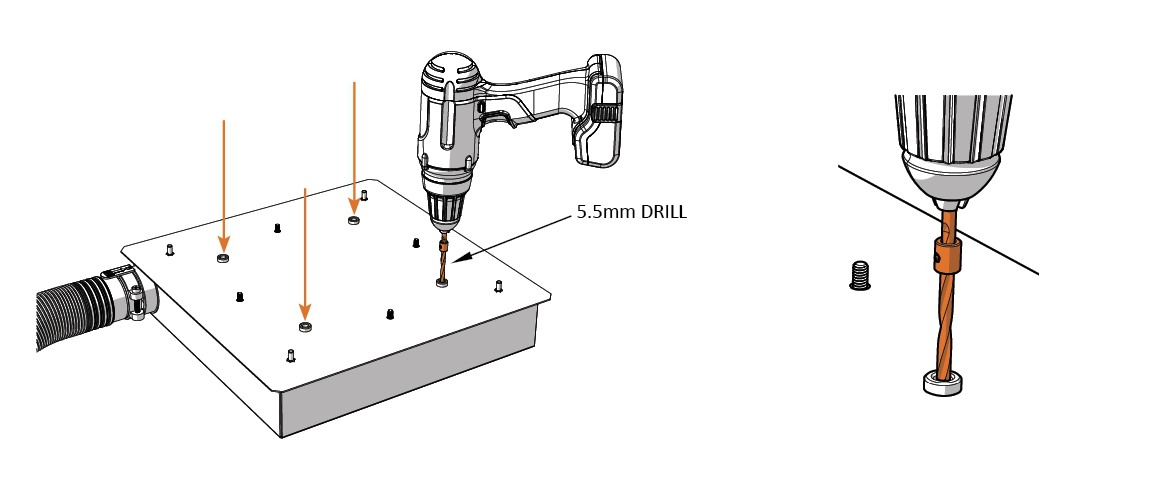
Step-by-step technical illustration created to guide drilling operations, designed to clearly communicate sequence, positioning, and depth control.
The process involved multiple steps and precise positioning, where unclear instructions could lead to incorrect drilling depth or misaligned holes. The challenge was to present this information in a way that could be quickly understood in a practical, real-world setting.
- Broke the process into clear, sequential steps
- Simplified geometry to remove unnecessary visual noise
- Used consistent orientation and spacing to avoid confusion between steps
- Emphasized critical components and interaction points
- Designed layouts for quick readability rather than visual complexity
Rather than presenting the full assembly in each step, only the relevant components were shown at each stage. This reduced cognitive load and made each action immediately clear.
Created a clear, step-by-step technical illustration used to communicate precise drilling locations and sequencing, reducing ambiguity during execution. The final visuals improve comprehension of complex instructions, supporting accurate implementation in a real-world context.